MUSLIM PROFESSIONAL NETWORK MPN A Dawat-e-Islami Initiative
English EN
Interface language Choose your preferred interface language
Apply to join
MPN logo
Member Portal
MUSLIM PROFESSIONAL NETWORK

A Dawat-e-Islami Initiative

A secure, multilingual platform for volunteer profiles, opportunities, training, mentoring and measurable community impact.

Service · Learning · Connection · Impact

Good work begins with people.

MPN brings professionals together to share experience, learn from one another and take part in local programmes.

Group photograph of participants at a Muslim Professional Network community meet-up
MPN community meet-up

Your application is reviewed by a coordinator. Joining does not reserve an event place or guarantee an assignment.

Return to homepage Account · Review · 5
Membership application

Apply to join MPN.

Tell us about your work, skills and location. The coordination team reviews each application before membership is activated.
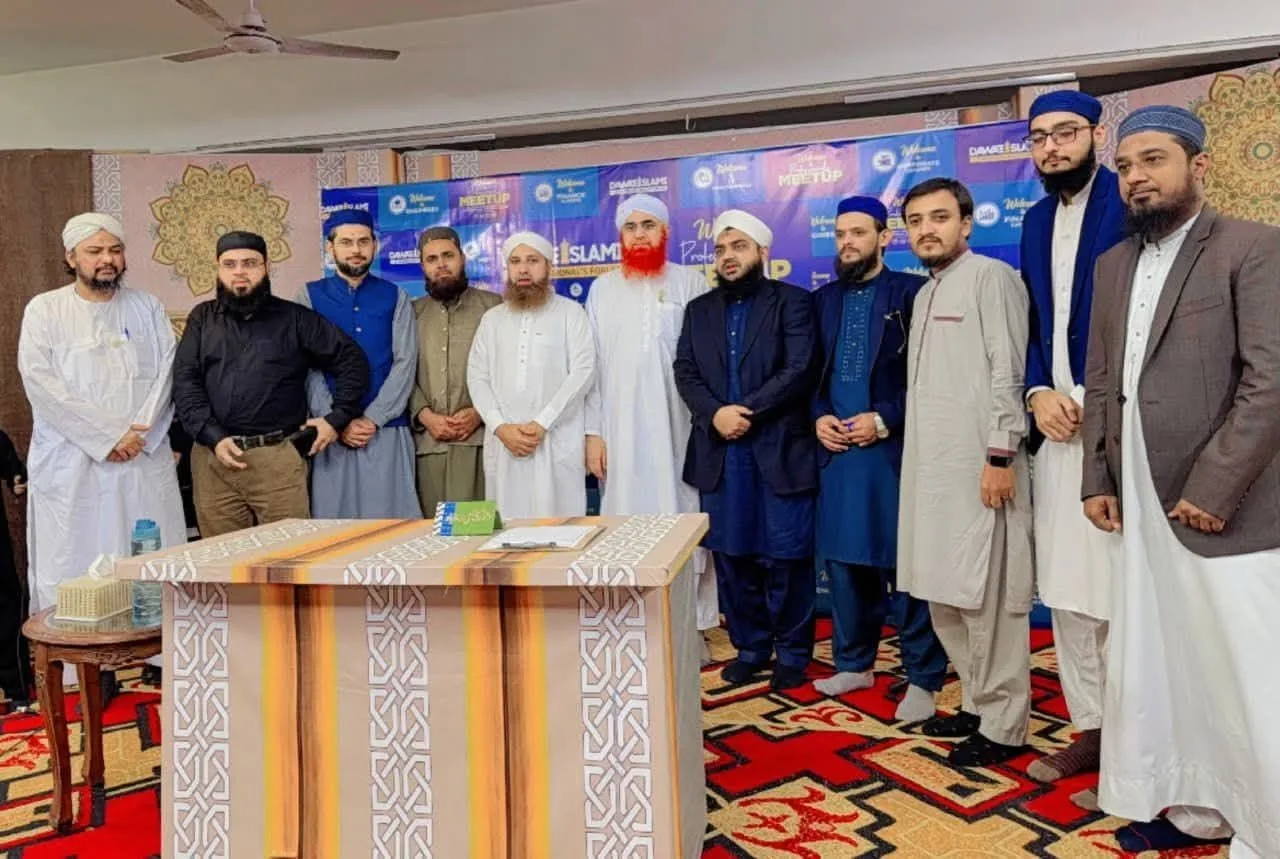
Group photograph of participants at a Muslim Professional Network community meet-up
MPN community meet-up
Account Location Skills & files Security Review

Your membership application

Complete the five steps below. You can go back and check your answers before submitting.

01—05
Step 1 of 5 · Account
01

Create your MPN account

Start with your verified contact details and professional identity.

Required fields are marked with *
We will send a 6-digit verification code to this address.
Use your full international calling code, e.g. +14155552671 or +447700900123.
02

Location

Your location helps leaders place you in the correct network scope and recommend relevant opportunities.

Country is required
Select your country to see its international calling code.
Your browser time zone is suggested automatically. Check it for correct meeting and activity times.
State/province and city choices load automatically. If structured area data is unavailable, you can enter your area manually.
03

Skills & identity

Choose up to three priority skills. A profile photo and supporting documents are optional at registration and can be added later.

Skills can be completed later
Your priority skills improve opportunity matching. You can change them from your profile later.
JPG, PNG or WebP. Maximum 3 MB.
Optional: upload identity, qualification, reference or other supporting files. Files are kept private.
04

Secure login

Create a secure password for your volunteer portal account. You will use the same account to track review status and future assignments.

Minimum 10 characters
Use a password that is unique to this account. Never share your password or one-time verification code with another person.
05

Review your application

Check the key details below before submitting. You can go back to any previous step to make changes.

Final step
Full name—
Email address—
WhatsApp number—
Profession—
Location—
Time zoneUTC
Interface language—
Top three skills—
Profile picture—
Supporting documents—

Read how MPN uses your information. This includes application records, private documents and your options to request corrections.

After submission, verify your email and track your review status from the volunteer dashboard.

Please complete the required fields in this step before continuing.

Your application details are not added to a public member directory. Read how information is used before you apply. How we use your information